
One sentence
Receipto is an AI receipt scanner that helps freelancers and small businesses organize expenses and prepare reports.

Press & creator kit
Updated September 17, 2026
AI receipt scanning. Organized expenses. Less paperwork.
Official assets and product information for articles, reviews, Reels, and TikToks.
8 original screenshots, app icon, product copy, and content ideas. No sign-in.
Real iOS screens. Fictional sample data. Original PNGs at 1206 x 2622.
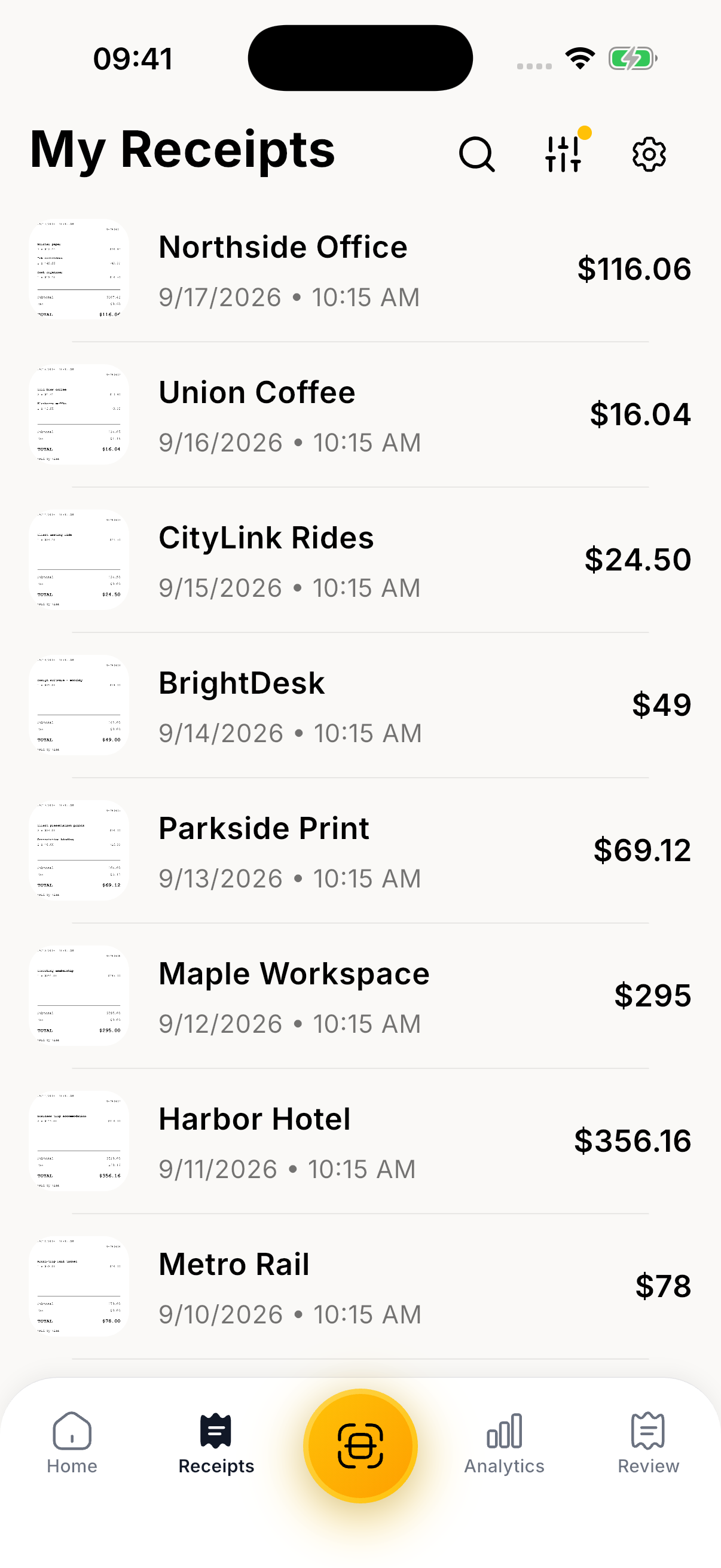
Saved receipts, merchants, dates, and totals in one place.
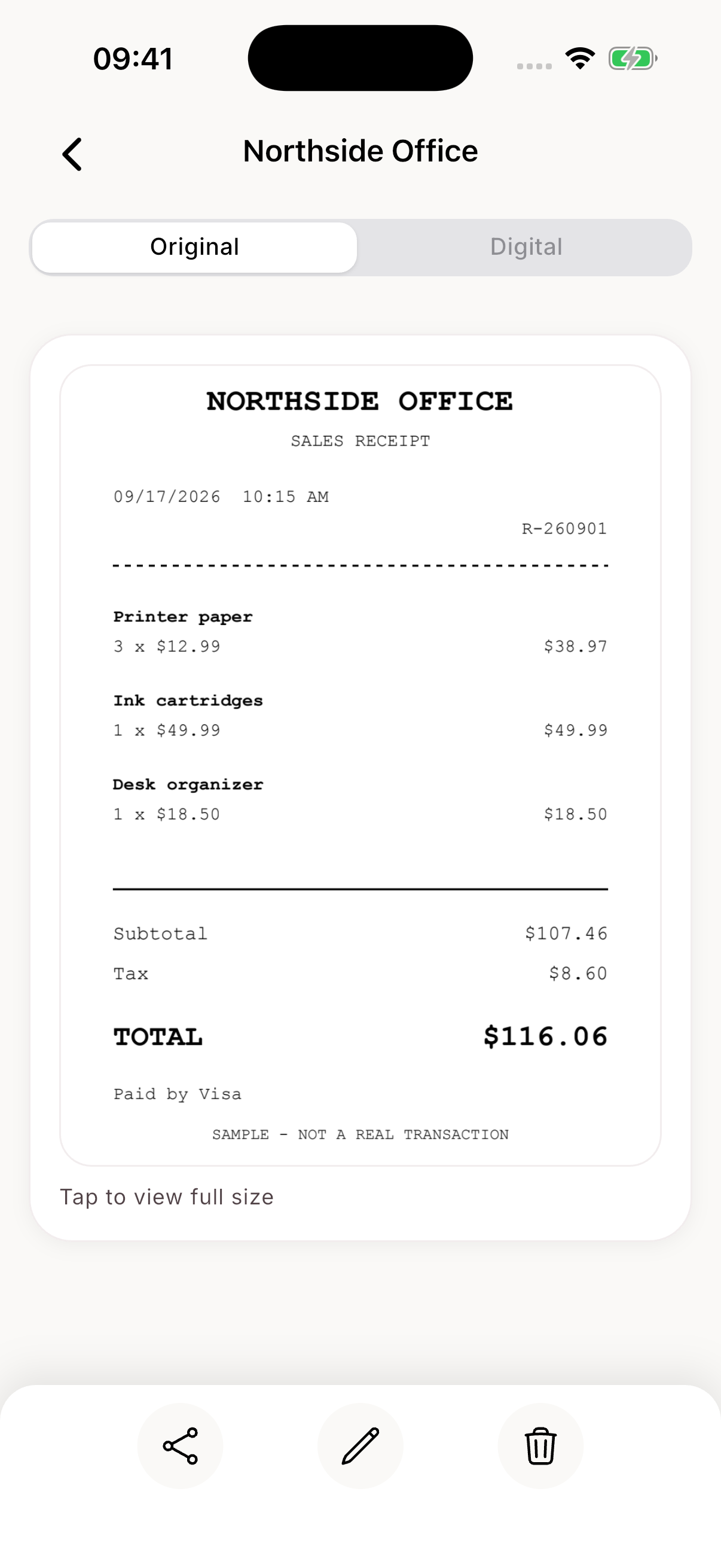
Download Receipt library PNGThe original document stays with its expense record.
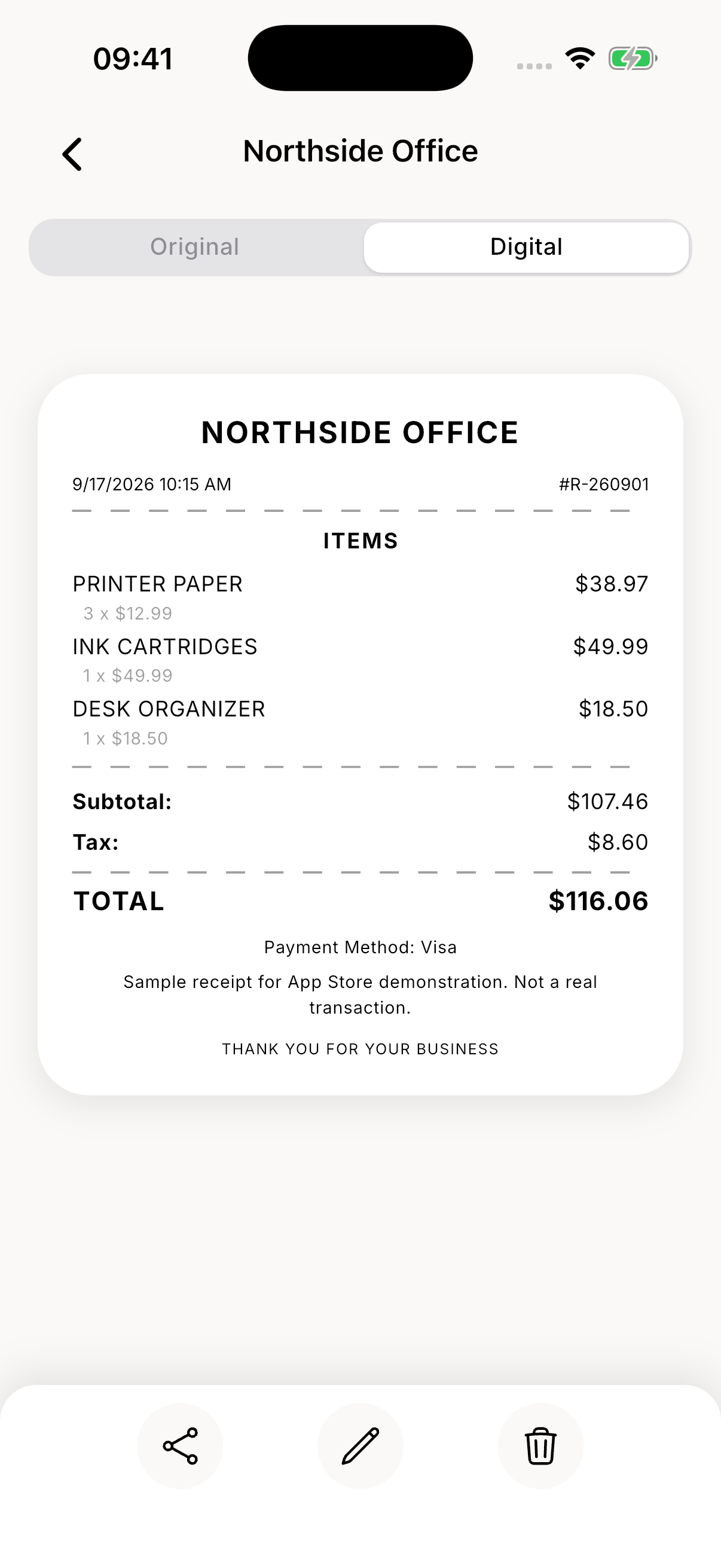
Download Original receipt PNGA structured view of line items, tax, and total.
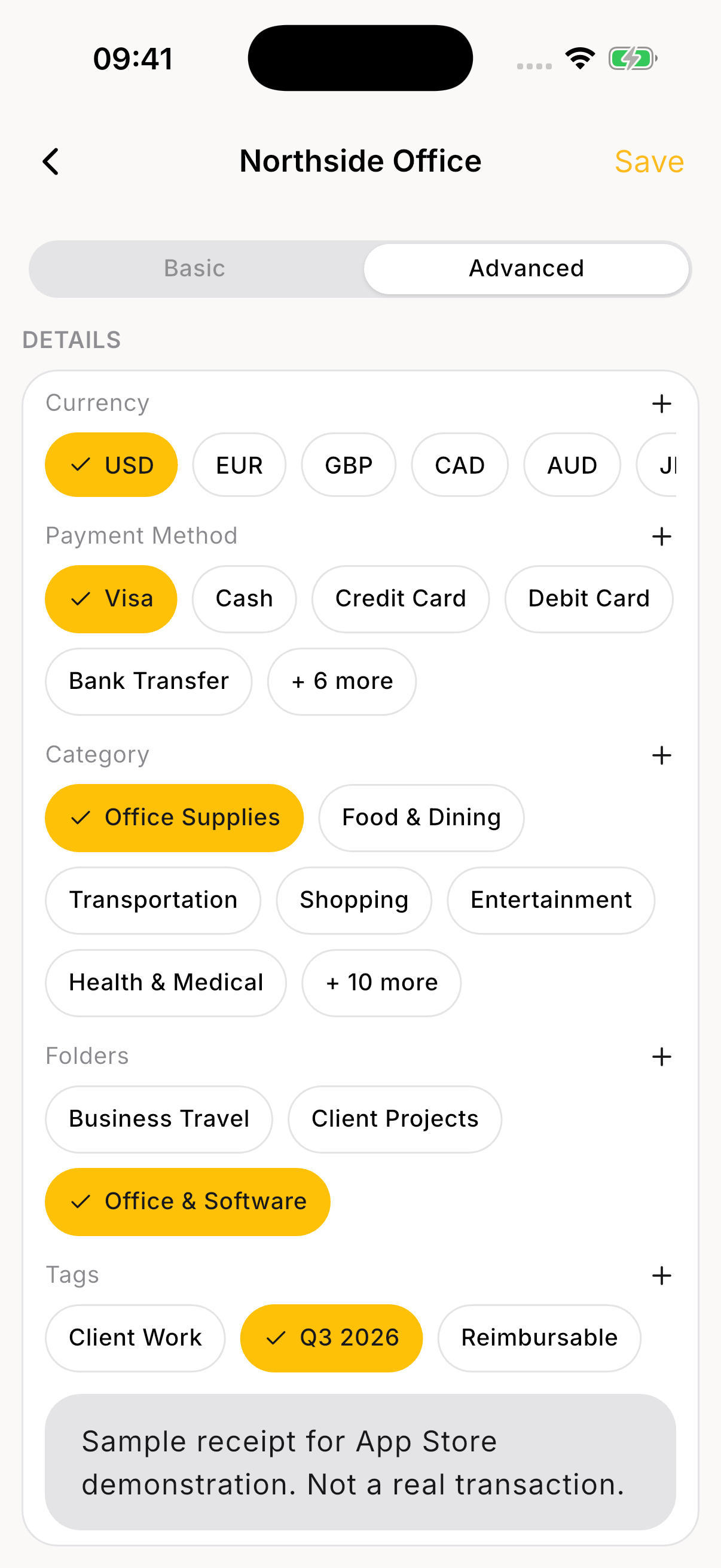
Download Digital receipt PNGCategories, folders, and tags for different ways of working.
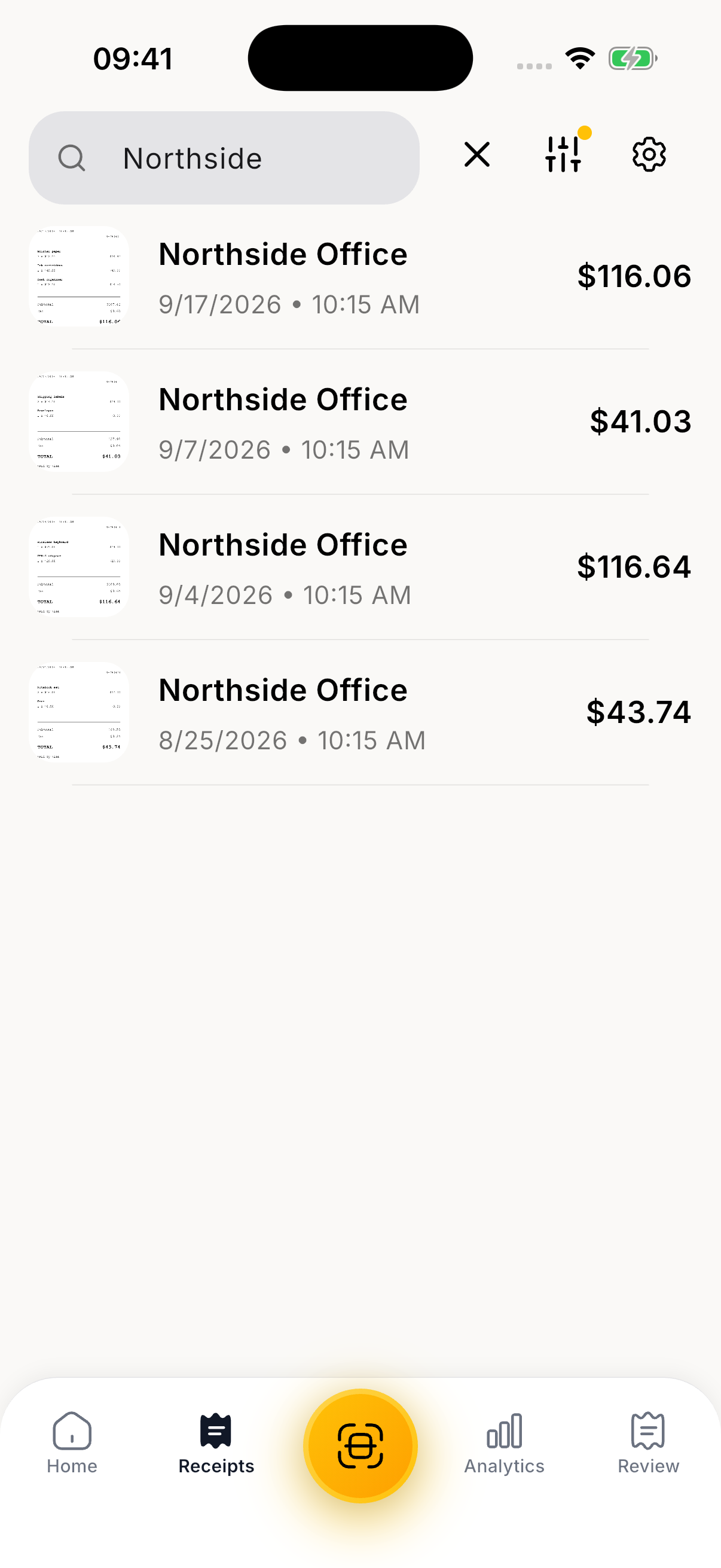
Download Expense organization PNGFind a saved receipt without digging through paperwork.
Download Receipt search PNGA view of recorded expenses and spending patterns.
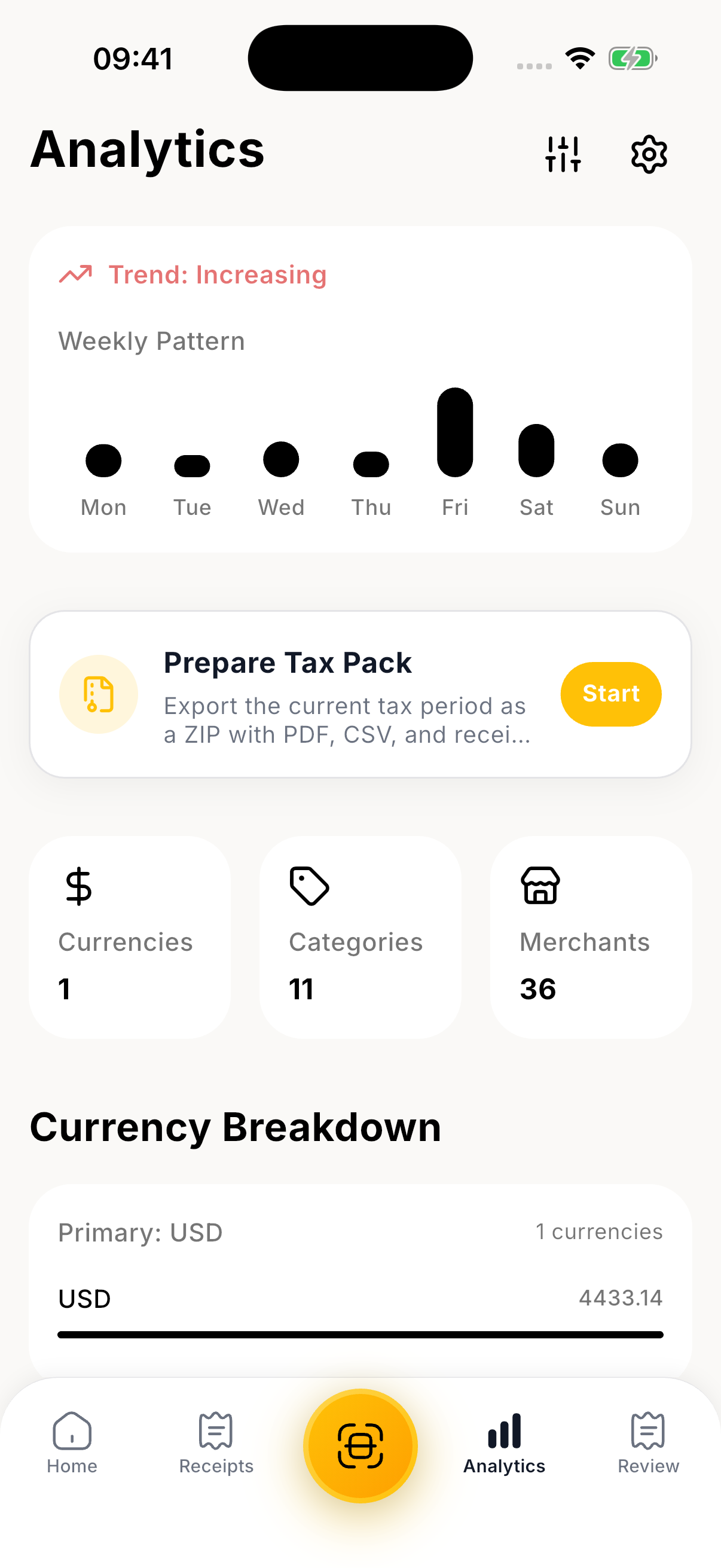
Download Spending analytics PNGPrepare reports and receipt files for tax time.
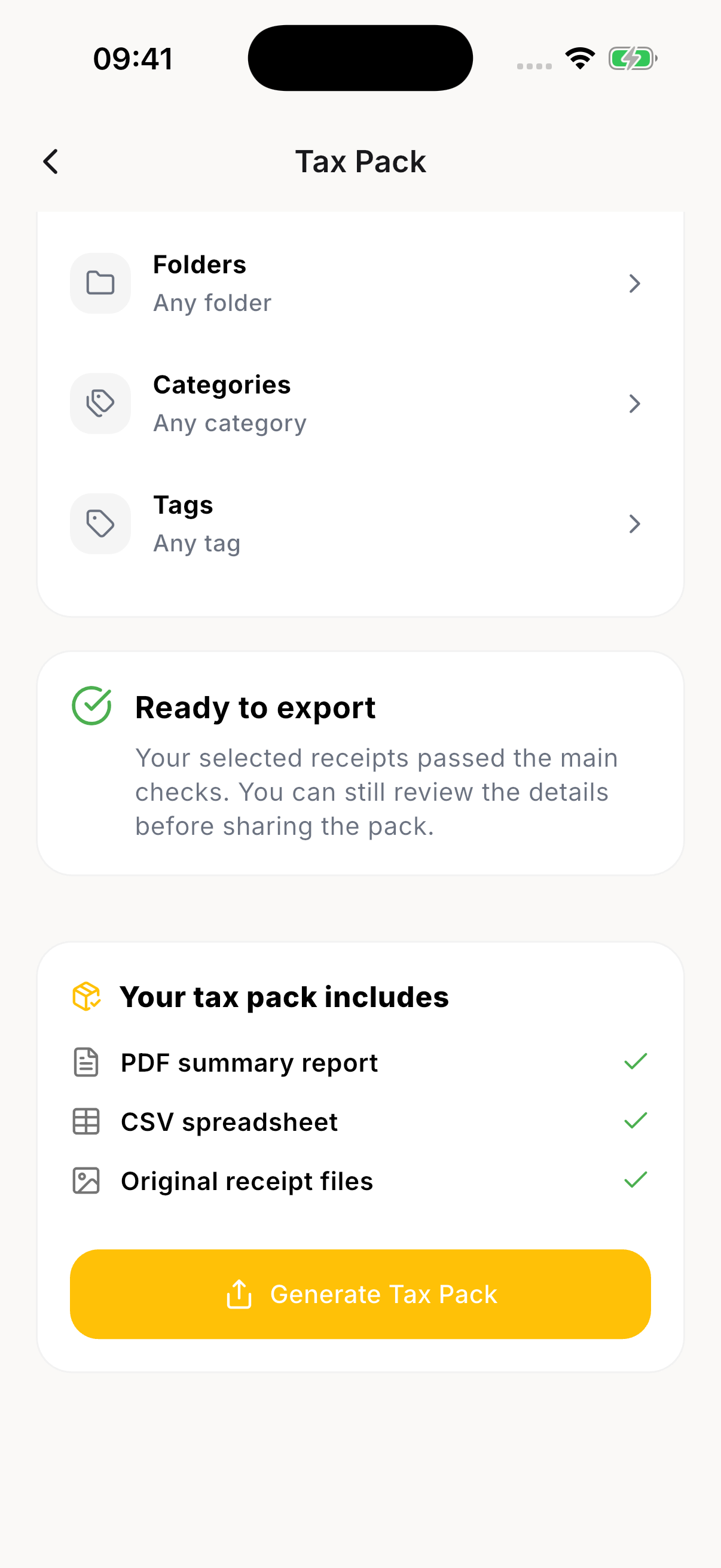
Download Tax Pack PNGExport options for reports and original receipt images.
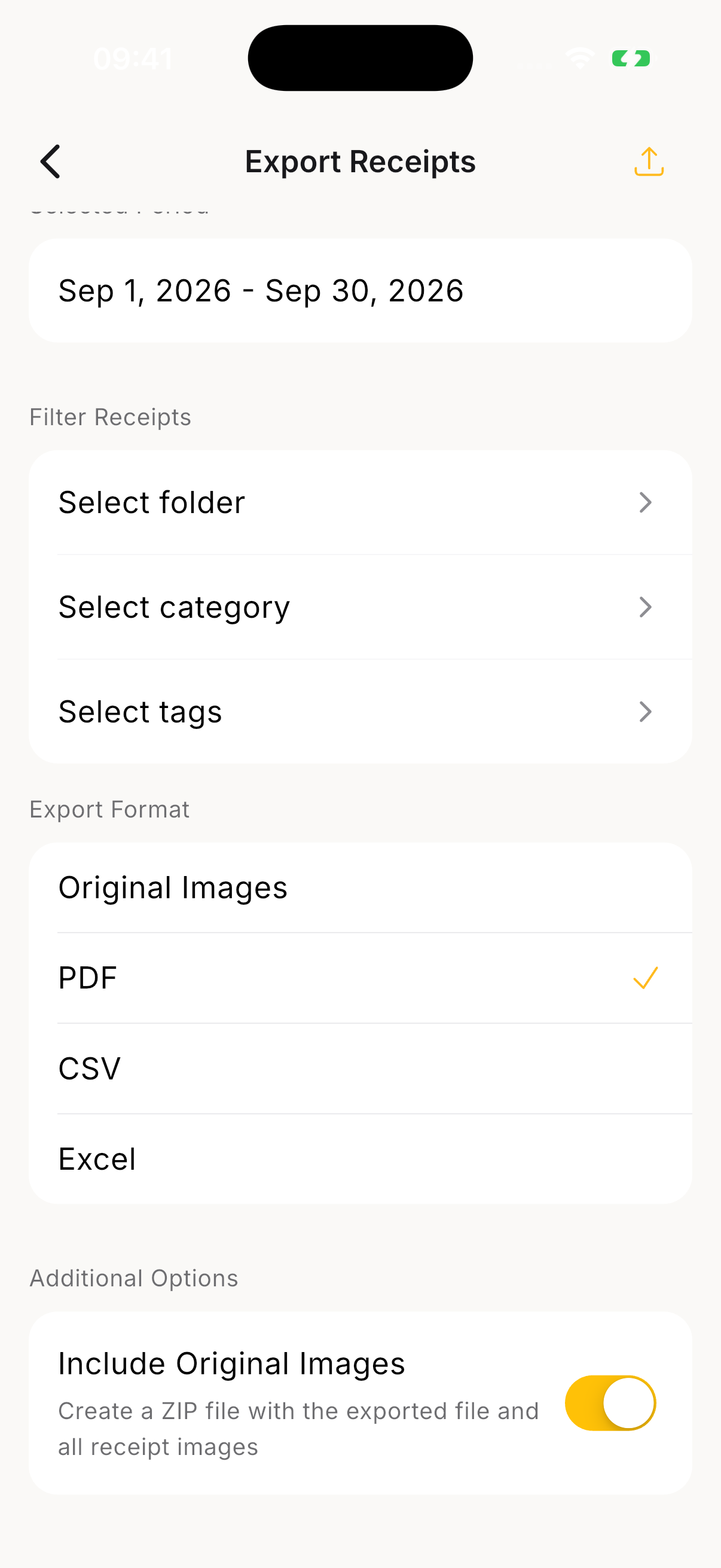
Download Report exports PNGThese are source images, not finished ads or live scan recordings. Sample amounts are illustrative, not customer results. Request fresh footage for a hands-on walkthrough.
Keep the name intact. Give the icon breathing room and preserve its colors and proportions.
Yellow
#FFBA1DInk
#18181BWhite
#FFFFFFReceipto is an AI receipt scanner that helps freelancers and small businesses organize expenses and prepare reports.
Receipto helps freelancers, self-employed professionals, and small businesses turn receipts into organized expense records. Scan or import receipts, keep the originals, organize expenses with folders and tags, and export reports for bookkeeping and tax preparation. Receipto is available on iOS, Android, and the web.
Receipto is an AI-powered receipt scanner and expense organizer for freelancers, self-employed professionals, and small businesses. It extracts receipt details such as the merchant, date, total, tax, and line items, while keeping the original document available for review. Users can organize records with categories, folders, and tags, search saved receipts, and explore spending analytics. Receipts can also be sent to a personal Receipto email inbox. Export options include PDF, CSV, and Excel, while Tax Pack brings reports and receipt files together for tax preparation. Receipto is available on iOS, Android, and the web. Features and limits vary by plan; check the current pricing page before publishing.
Product-led concepts for your own voice. No invented testimonials.
01 / 15-second Reel or TikTok
“That receipt is somewhere. Your afternoon should not be spent finding it.”
Voiceover: Receipts in your bag, your inbox, and who knows where else. Keep them together in Receipto, then search for the one you need. Scan. Organize. Find it.
Explore Receipto at receipto.app.
Suggested assets: Receipt library, Receipt search, Digital receipt
02 / 20-second product walkthrough
“A receipt is more useful when you can actually find the details.”
Voiceover: Keep the paper trail without keeping the paper pile. Receipto puts the original receipt alongside a digital record of the items, tax, and total. Organize it with folders, categories, and tags, so it is ready when you need it.
Meet your receipt organizer: receipto.app.
Suggested assets: Original receipt, Digital receipt, Expense organization
03 / 20-second Reel or blog section
“Your accountant needs records, not a shoebox.”
Voiceover: Make receipt organization part of the routine, not a last-minute project. Keep expenses together in Receipto, then prepare a Tax Pack or export a report for your bookkeeping and tax preparation. Less hunting for documents. More organized records.
Organize your receipts with Receipto.
Suggested assets: Receipt library, Tax Pack, Report exports
For screen recordings, demo access, interviews, or partnership requests, tell us what you are creating and where it will appear.
support@receipto.appDemo access is arranged privately. No account credentials are included in this kit.